
✦ Kindergarten management system
The smartest
way to run a kindergarten
A calm kindergarten, reassured parents.
Don’t just read about it. Try it here: be the teacher, tap, and watch what reaches the mother’s phone.
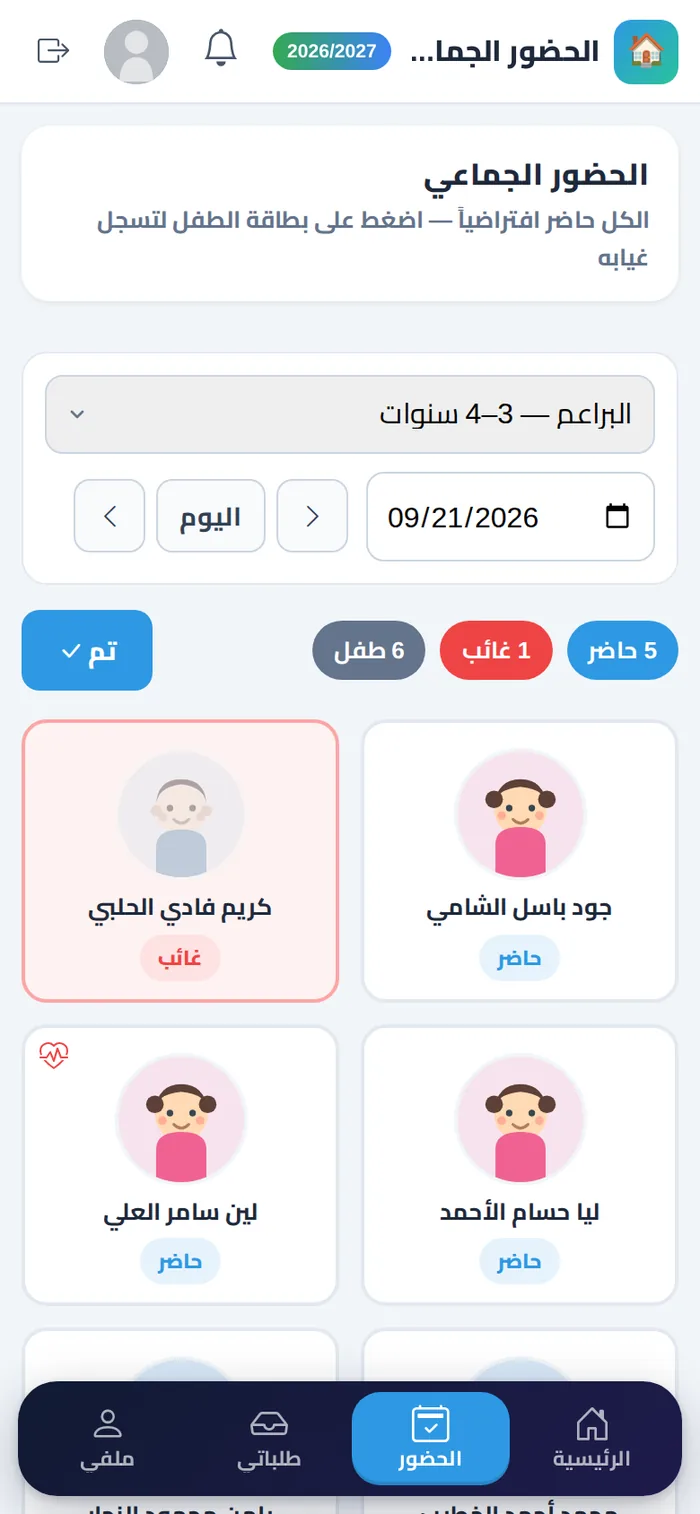
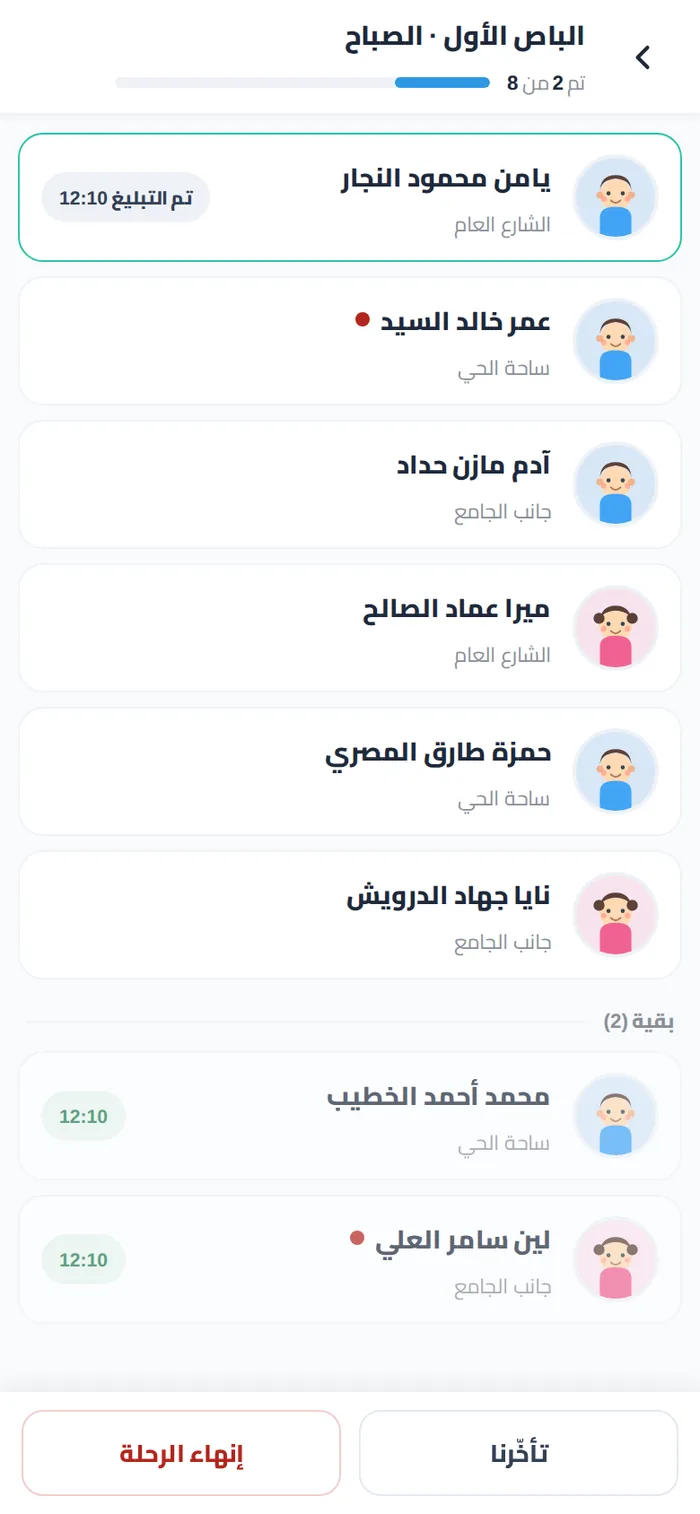
01 Live demo
Try it yourself
Tap the buttons on the teacher’s phone and watch the message reach Lia’s mother, exactly as it reaches real parents.
Teacher’s phone · The system
One message reaches every parent in the class, and the written line reaches the principal too.
One message per home even with more than one child, and a full minute to undo before it goes.
Remaining: SYP 2,550,000
Next instalment: 10-10-2026
Remaining: SYP 3,150,000
Remaining: SYP 3,150,000
Lia’s mother’s phone · Telegram
You’re the teacher · tap and watch the mother’s phone
Reaches 58 homes
A demo with made-up names. In the real system the messages reach parents’ phones.
02 The difference in your day
Before & after
03 One system for the whole kindergarten
What’s inside?
And it grows with you: live bus location, children’s grades, sibling discounts, and an AI assistant you can ask about your kindergarten.
04 Before you ask
Questions that matter
Who enters the children and the old payments?
We do. As part of setup we enter every child, their parents and their current balance, and we train your team. Nothing lands on you or your administrator at the start.
What if the internet or power goes out?
The system lives on a server outside the kindergarten, so a power cut changes nothing. Teachers work from their phones: attendance is saved and sends itself when the connection returns, bus taps are kept, and they can call parents straight from the child’s card.
Our teachers aren’t tech people. Will it be hard for them?
A teacher’s job is two taps: one on the absent child, then “Done”. We train them in fifteen minutes, and if someone would rather not use a phone, the office records it for her.
We already have a WhatsApp group. What’s the difference?
A group sends the same thing to everyone. Rawda sends each home only what concerns their child: their bus, their fees, their class diary. No reply storms, no chaos, and no parent numbers sitting on anyone’s phone.
How do parents sign up for messages?
Each parent gets a personal link, opens it and taps “Start” in Telegram once. No accounts, no passwords, no extra apps.
Which devices does it run on?
The app is available now for Android phones with instant notifications, and the system also runs in any desktop browser. An iPhone version is on our roadmap.
What happens to our data if we stop?
Your data is yours. Export it to Excel at any time, and it’s handed over in full when the contract ends, with a written confidentiality commitment.
How much does it cost?
It depends on the size of the kindergarten and the number of children. We show you a clear price after the demo, and you can try it on one class before committing to anything.
05 Next step
Fifteen minutes is enough
We come to your kindergarten or show it over the phone, whenever suits you.
Or directly: Eng. Alaa Alhaj · 0934 329 266
We’ve got your request and will be in touch soon. To speed things up, message us now:
Confirm on WhatsApp